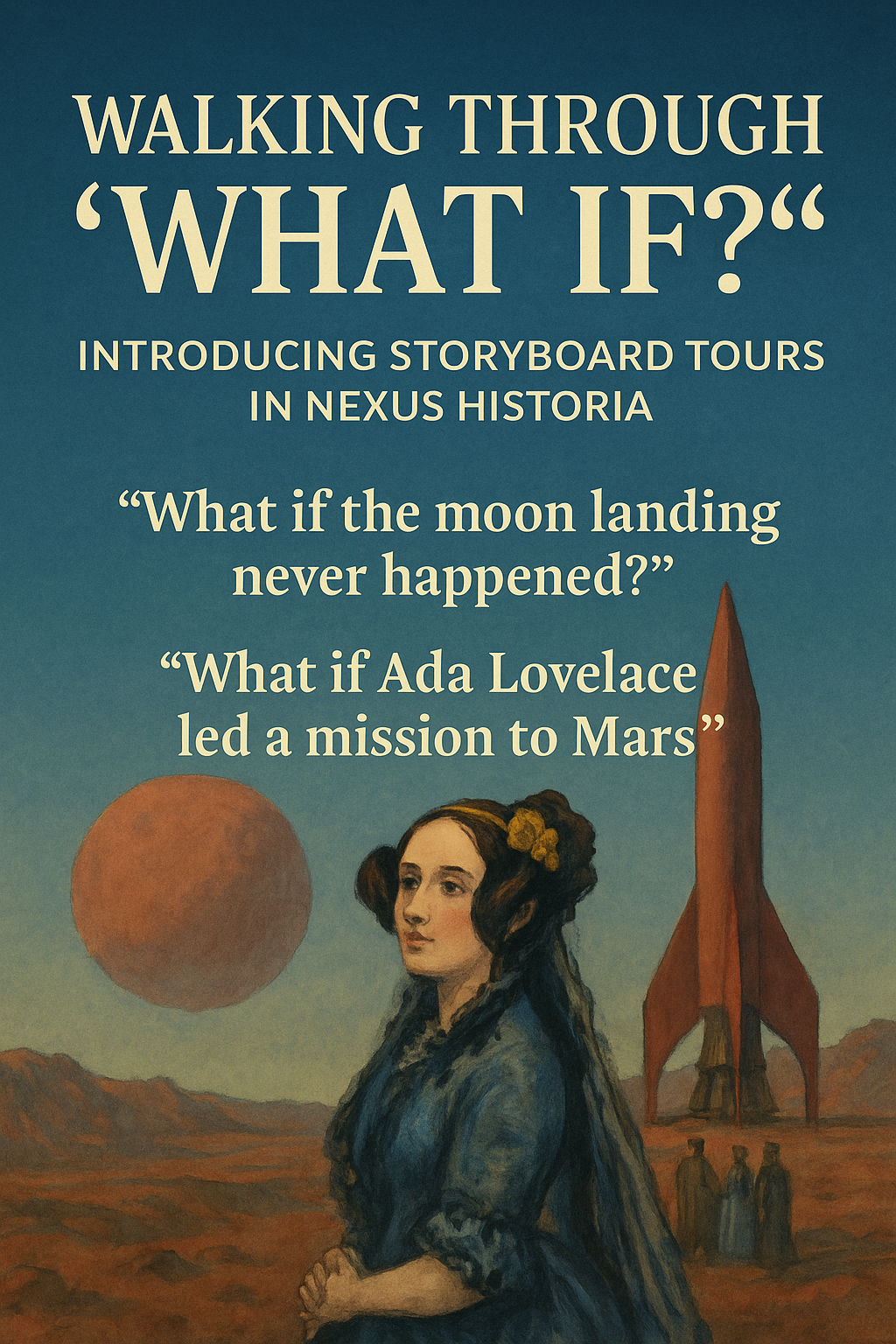
Walking Through “What If?”: Introducing Storyboard Tours in Nexus Historia
What if the moon landing never happened? What if Ada Lovelace….. Nexus Historia has always been about exploring these “what if?” questions through carefully researched alternate-history scenarios. You define a historical baseline (Point A), a Point of Divergence (Point B), and a hypothesis about how the world might change. Now there’s a new way to experience those ideas: Storyboard Tours. In this post, we’ll look at what a Storyboard Tour is, how it works, and how you might use it in the classroom or for your own learning. [space-md] From Scenario to Storyboard Tour [space-md] A Scenario is where you set up your core counterfactual: the baseline world (Point A), the Point of Divergence (Point B), the time period you care about, and your hypothesis about how things change. [space-md] A Storyboard Tour takes that same Scenario and turns it into a twelve-panel historical comic that follows your path from A to B, together with a continuous voice-over tour that narrates the story from start to finish. Instead of reading a static report, you walk through your alternative history as a short, guided documentary strip. [space-md] Each Scenario has one coherent Storyboard Tour built directly from its A to B path. If you want a completely different outcome, you create a new Scenario with a different Point B or a different hypothesis, and you get a fresh Storyboard Tour tailored to that new path. [space-md] A Comic Strip for Alternative History [space-md] When you create a storyboard from your Scenario, Nexus Historia plans twelve distinct panels that together tell the story. The panels cover the baseline world, the moment of divergence, political and social consequences, economic and cultural changes, and a final tableau that pulls your hypothesis together. [space-md] The images are generated in a historical, painterly comic style. They emphasise period-appropriate architecture, insignia, and dress, but they are also designed for clarity so the sequence is easy to follow. You can explore the storyboard in a grid view or in a full-screen viewer. Panel View lets you move through one scene at a time, while Comic View lets you see the whole page of panels at once. [space-md] Captions and speech bubbles draw attention to key details and keep the central question of the scenario in focus. Historical Narration, Not Just Pictures Storyboard Tours are not just a slideshow of images. Nexus Historia adds layered narration so the story is grounded in historical thinking. [space-md] Each panel gets a short narration line in clear, classroom-friendly language. These lines capture the essence of what is happening in that moment and help learners follow the logic behind the change. Alongside this, the system composes a single continuous script that links all twelve panels together. It reminds the viewer of the baseline world and the Point of Divergence, explains why each panel matters, and nudges attention towards causes and consequences rather than spectacle. [space-md] In Panel View, you can optionally show the narration line for the current panel as an on-screen subtitle. This is helpful for readers who prefer text, are following along in a noisy room, or benefit from having both visual and written cues. The aim is a balance: engaging storytelling that still feels like serious history, not pure fantasy. Natural Voice Tours with ElevenLabs [space-md] To make the experience more immersive and more accessible, Storyboard Tours include natural-sounding voice-over powered by ElevenLabs. [space-md] When a storyboard is ready, Nexus Historia automatically takes the narration script, sends it to ElevenLabs, and stores the MP3 file alongside the storyboard. In the Storyboard Tour viewer you can press “Play Voice Tour” to hear the full narration, and the button switches to “Stop Tour” while it is playing. You can stay in Panel View or switch to Comic View while the audio continues in the background. [space-md] The voice tour is designed to be clear and calm enough for classroom listening, expressive enough to feel like a real tour guide, and long enough to cover all twelve panels without rushing through important transitions. [space-md] For learners who prefer text only, the traditional scenario report and on-screen captions remain available as before. Designed for Classrooms and Small Screens Many schools and learners use Nexus Historia on laptops, tablets, or phones, so the Storyboard Tour interface is built with small screens in mind. [space-md] On desktops and laptops, the Storyboard Tour title is clearly visible in the viewer header, and the main controls for playing the tour, adjusting sound, viewing narration, accessing evidence, and choosing the cover image are grouped together but kept compact. On tablets and phones, interface elements wrap neatly rather than disappearing off the edge of the screen. You can still find the key controls for Play Voice Tour, narration, Panel or Comic View, and evidence without hunting through deep menus. [space-md] The intention is that a pupil can open a Storyboard Tour on a classroom Chromebook or their own mobile and enjoy the same core experience. [space-md] Why Storyboard Tours Matter [space-md] Storyboard Tours are more than a cosmetic extra. They support important teaching and learning goals. [space-md] By walking through a fixed sequence of panels with a single narration track, learners can see how decisions and events accumulate over time. The narrative has a clear beginning, middle, and end, which makes complex counterfactual arguments easier to follow. [space-md] The combination of images, captions, and voice-over supports multi-modal learning. Visual thinkers can latch onto the artwork, while others may focus on the spoken narration or the written text. Everyone is still engaging with the same underlying historical reasoning. [space-md] Storyboard Tours also make “what if” thinking more accessible. Instead of handing pupils a long written report, you can press play and use the storyboard as a shared reference point for whole-class discussion, small-group work, or individual exploration. Once a Scenario and its Storyboard Tour exist, they can be reused. Teachers can replay, pause, and revisit them over multiple lessons or set them as homework tasks, without needing to regenerate anything. [space-md] How to Try It [space-md] To try Storyboard Tours in practice, start by creating a Scenario in Nexus Historia. Define your baseline Point A, your Point B where history diverges, the time period, and your main hypothesis about how events unfold differently. Next, generate a storyboard from that Scenario using the storyboard tools. This will plan and create the twelve-panel comic tied to your A to B path. [space-md] From your gallery, open the Storyboard Tour for that storyboard. The viewer opens in full-screen mode and shows the panels along with playback and narration options. Press “Play Voice Tour” to hear the narration while you step through individual panels or view the whole comic page at once. [space-md] You can still use the scenario text, citations, and notes as you did before. Storyboard Tours add another, more vivid way to explore the same underlying historical thinking. What’s Next [space-md] Storyboard Tours are an early step towards making Nexus Historia feel like a living atlas of alternative histories. Future improvements may include more control over narration tone and pace, additional accessibility features such as full transcripts and detailed captions for every tour, and new classroom resources built specifically around using Storyboard Tours in lessons. If you use Storyboard Tours with your learners, feedback is very welcome. It is helpful to know which kinds of scenarios worked best, how pupils responded to the mix of visual and audio storytelling, and what would make the tours even more useful in your teaching. [space-md] Nexus Historia Team